Best VPNs for Online Gaming and Low Ping
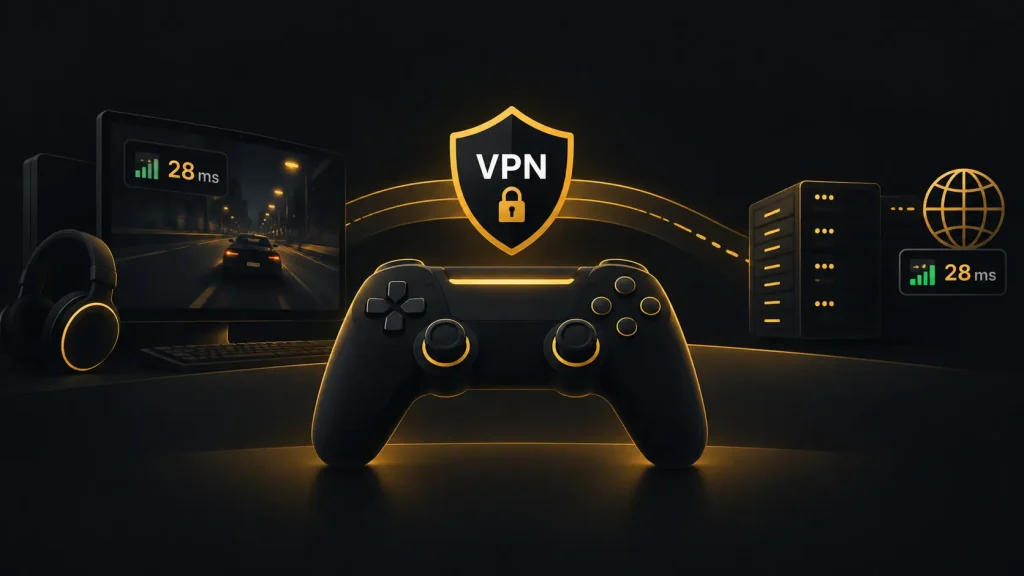
You are halfway through a competitive match when lag spikes, packet loss or an unstable connection ruins the session. A gaming VPN cannot guarantee lower ping, but it can sometimes improve routing and give you access to servers in different locations. The best VPNs for online gaming should add as little latency as possible while keeping the connection stable. NordVPN, ExpressVPN and Surfshark are popular choices for gaming, but the right option depends on your location, game server and network.
Can a VPN Actually Lower Your Ping?
Connecting to a VPN usually adds another step between your device and the game server. That extra routing can increase latency, especially when you choose a distant VPN server.
There are situations where the opposite happens. Your ISP may route gaming traffic inefficiently. A VPN server with a better route to the game server can sometimes reduce ping or improve connection stability.
The result depends heavily on location. Test your game without a VPN first, then connect to a nearby VPN server and compare the results. A VPN should not be treated as a guaranteed fix for a slow internet connection.
NordVPN for Fast Gaming Connections
NordVPN is a practical choice for gaming because it supports NordLynx, its protocol based on WireGuard technology. Fast VPN protocols matter because additional processing and routing can affect latency.
A broad choice of server locations also gives you more opportunities to find a route that works well with your game server. In most cases, starting with the nearest VPN location is sensible. You can then test other nearby servers if latency remains high.
NordVPN also provides a kill switch. This can prevent your traffic from switching back to the normal connection if the VPN unexpectedly drops.
For competitive gaming, the main advantage is the combination of fast connections and flexible server selection rather than any promise of automatically reducing ping.
ExpressVPN for Stable Connections
ExpressVPN uses its Lightway protocol, which is designed to establish connections quickly and handle network changes efficiently.
That can be useful if you play on a laptop or another device that occasionally switches networks. Connection stability also matters during longer gaming sessions because brief interruptions can be more disruptive than a small difference in download speed.
ExpressVPN offers server locations across many regions, giving you options when testing routes to different game servers. Choosing the closest location is generally the best starting point.
Its straightforward apps also suit players who prefer to connect quickly rather than spend time adjusting technical VPN settings before launching a game.
Surfshark for Multiple Gaming Devices
Surfshark is worth considering if gaming is spread across several devices in your household. The service supports unlimited simultaneous connections, so one subscription can cover multiple compatible devices.
It also supports WireGuard, which provides a fast and efficient option for gaming traffic. Like other VPNs, actual latency depends on server distance, congestion and your underlying connection.
Surfshark can be particularly practical in households where several people use a VPN at the same time. You do not need to disconnect one device simply to connect another.
For consoles that do not support native VPN apps, setup may require a compatible router or another connection sharing method.
VPNs and DDoS Protection
A VPN replaces your public IP address with the IP address of its server. This can reduce direct exposure of your home IP during online gaming, which may be useful in situations where DDoS attacks are a concern.
It does not make your gaming account completely secure. Strong passwords, two-factor authentication and updated software remain important.
A VPN also cannot fix packet loss caused by weak Wi-Fi, overloaded local networks or problems with the game server itself. Check your normal connection before assuming the VPN is responsible.
Which Gaming VPN Should You Choose?
NordVPN is a strong option if you want NordLynx and plenty of server choices. ExpressVPN suits players who value straightforward apps and connection stability. Surfshark is practical for households with many gaming and everyday devices.
The best VPN for low ping is the one that provides the most efficient route between your location and the game server. Test several nearby servers rather than assuming a distant location will improve performance.