What Is a VPN and How Does It Work?
You connect your laptop to airport Wi-Fi, open a streaming service and notice that some shows are unavailable outside your home country. A VPN can help by encrypting your internet connection and routing your traffic through a remote server. Understanding what is a VPN and how does it work makes it easier to decide when you need one and what it can realistically protect.
What Does a VPN Do?
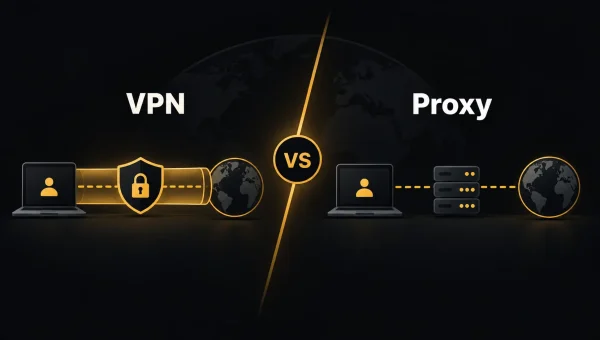
A VPN, or virtual private network, creates an encrypted connection between your device and a VPN server. Your internet traffic travels through this connection before reaching websites, apps and online services.
Without a VPN, websites normally see the public IP address assigned to your connection. Once you connect to a VPN server, they see the server’s IP address instead. Choose a server in another country and your connection may appear to come from that location.
This can be useful when travelling, accessing services from abroad or using public Wi-Fi. It also reduces how much information your internet provider can see about your browsing activity.
How Does a VPN Work?
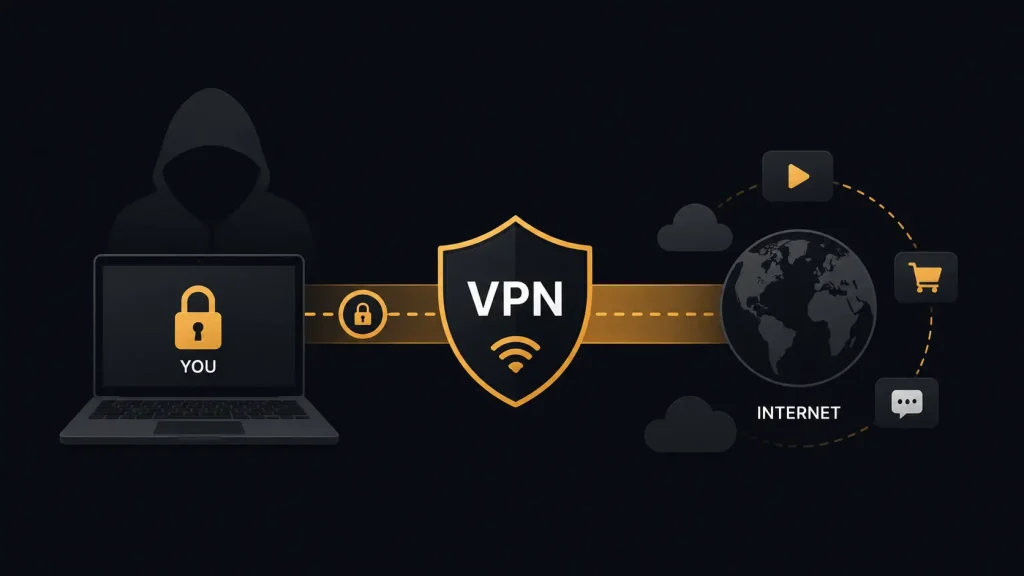
When you activate a VPN app, it establishes an encrypted tunnel between your device and the selected server. Data leaving your phone or computer is encrypted before it passes through your internet provider.
The VPN server sends your request to the destination website. The response follows the same route back through the server and encrypted tunnel.
VPN protocols determine how this connection works. WireGuard is widely used because it combines strong security with good performance. OpenVPN remains common and works across many devices.
Encryption makes intercepted traffic much harder to read, but a VPN does not make you completely anonymous.
Why Use a VPN?
A VPN can help protect traffic on unsecured public Wi-Fi in hotels, airports and coffee shops. It can also prevent your internet provider from seeing the specific websites you visit while the VPN tunnel is active.
Changing your apparent location is another common use. Connecting to a server in another country may help you access websites or streaming libraries available there. Streaming platforms can detect and block some VPN servers, however, so access is never guaranteed.
What Should You Look for in a VPN?
Start with privacy. A clear no-logs policy matters because the VPN provider handles traffic that would otherwise pass directly through your internet provider.
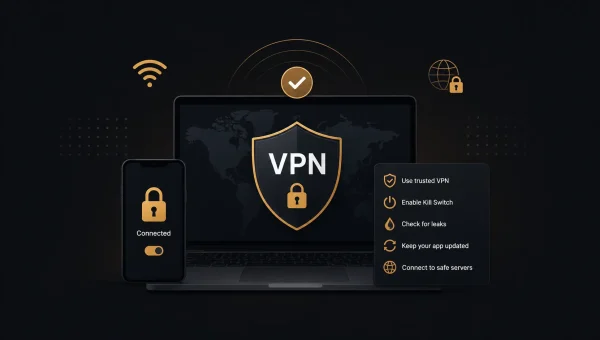
Look for modern encryption and trusted VPN protocols such as WireGuard or OpenVPN. A kill switch can stop internet traffic if your VPN connection unexpectedly drops. DNS leak protection helps prevent DNS requests from bypassing the encrypted connection.
Server locations matter if you need a particular country for streaming or travel. Speed is also important for gaming, video calls and high resolution streaming.
Free VPNs deserve additional scrutiny. Some impose data limits, provide fewer servers or rely on advertising. Reputable paid services generally offer more locations, better performance and additional privacy features.
What a VPN Cannot Protect
A VPN does not replace good security habits. It cannot stop you from entering a password on a phishing page, prevent every type of tracking or remove malware from your device.
Websites can still identify you through accounts, cookies and browser fingerprinting. If you sign into Google, Netflix or a social media account, that service still knows which account you are using.
A VPN should be treated as one privacy tool rather than a complete anonymity solution.
Is a VPN Worth Using?
For frequent travellers, public Wi-Fi users, remote workers and people who want more control over their internet connection, a VPN can be useful. Focus on a trustworthy provider with clear privacy practices, reliable encryption and servers that match your needs.
Knowing what is a VPN and how does it work also helps set realistic expectations. A good VPN can encrypt your connection and change the IP address websites see, but your overall privacy still depends on how you browse and which services you use.