Why Does My VPN Keep Disconnecting?
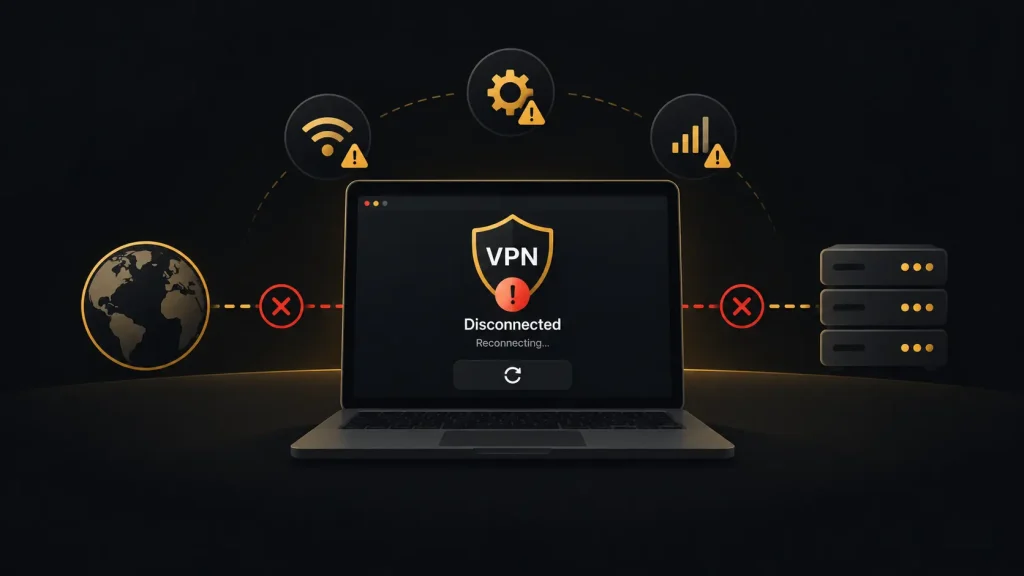
You connect your VPN, start streaming or working and a few minutes later the connection drops. Sometimes it reconnects immediately. Other times you lose internet access until you turn the VPN off. If you keep asking, “Why does my VPN keep disconnecting?”, the problem is usually caused by an unstable network, VPN protocol settings, server congestion or software conflicts. Finding the cause is often easier than replacing the VPN entirely.
Why Your VPN Connection Keeps Dropping
A VPN creates an encrypted connection between your device and a remote server. That tunnel depends on your underlying internet connection. If your Wi-Fi or mobile connection briefly disappears, the VPN may disconnect as well.
Switching between networks is a common trigger on phones. Your device might move from home Wi-Fi to cellular data or between different Wi-Fi access points. The VPN then has to rebuild its connection.
Server congestion can cause similar problems. A busy or distant server may respond slowly enough that the VPN client loses its connection. Changing to another nearby server is one of the simplest things to try.
Your VPN protocol can matter too. WireGuard is commonly used for fast, efficient connections, while OpenVPN remains widely supported. Different networks handle protocols differently, so changing the protocol may solve repeated disconnects.
Check Your Internet Connection First
Before changing VPN settings, disconnect the VPN and use your normal internet connection for several minutes. Try loading websites, streaming video or running another activity that requires a continuous connection.
If the internet drops without the VPN running, the VPN probably is not the underlying problem. Restart your router and check whether the same issue occurs on another device.
Wi-Fi signal strength also matters. A weak connection may appear functional for ordinary browsing but become unstable during sustained traffic. Move closer to your router or test a wired connection if possible.
On mobile devices, check whether the problem happens only when switching between Wi-Fi and cellular data. That can narrow down the cause quickly.
Change the VPN Server or Protocol
If your internet connection is stable, connect to a different VPN server. Choose one geographically close to you rather than a distant location unless you specifically need another country.
A nearby server usually means fewer network hops and lower latency. It may also solve the problem if your previous server was temporarily overloaded.
Next, check your VPN application’s protocol settings. If it is set to automatic, try selecting another available protocol manually. Switching between WireGuard and OpenVPN, for example, can help identify whether a particular protocol is having trouble with your network.
Avoid changing several settings simultaneously. Test one adjustment at a time so you can identify what actually fixes the problem.
Check the Kill Switch and Other Software
A kill switch can make a VPN disconnect feel more severe than it really is. Its purpose is to block internet traffic when the encrypted VPN tunnel fails. If the VPN drops, you may therefore lose internet access completely until it reconnects.
Do not immediately disable the kill switch, especially when you rely on the VPN for privacy. Instead, determine why the VPN tunnel is failing.
Firewalls, antivirus tools and other network software can also interfere with VPN connections. Another VPN application running in the background may create conflicts too. Make sure you do not have multiple VPN clients trying to control the connection simultaneously.
Keeping your VPN app and operating system updated can also resolve compatibility problems.
What to Do If Your VPN Still Disconnects
If your VPN keeps disconnecting after you have tested different servers and protocols, reinstalling the application is worth trying. This can reset damaged configuration files or settings that are difficult to identify manually.
You can also test the VPN on another network. If it works normally on mobile data but repeatedly fails on your home Wi-Fi, the router or ISP connection may be involved. If the same problem occurs across several networks and devices, the VPN service itself becomes a more likely cause.
Repeated disconnects should not be normal during everyday use. A reliable VPN should maintain a stable tunnel for browsing, streaming and longer sessions without requiring constant manual reconnection.