Can Your Internet Provider See Your Activity When You Use a VPN?
You connect to a VPN expecting your browsing activity to remain private. But can your internet provider see your activity when you use a VPN? Encryption hides much of your browsing information, although your ISP can still observe certain connection details.
How a VPN Hides Your Internet Activity
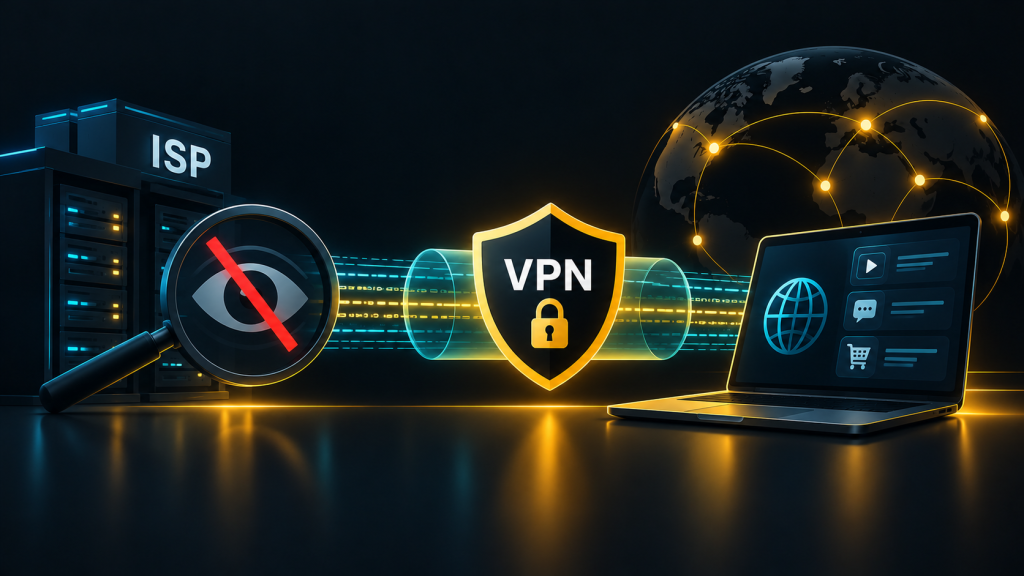
Without a VPN, your internet service provider (ISP) can generally see the IP addresses you connect to and potentially your DNS requests. HTTPS protects website content, but it does not necessarily conceal which services you access.
A VPN creates an encrypted tunnel between your device and a VPN server. Your ISP sees the connection to that server rather than the individual websites you visit.
Websites generally see the VPN server’s IP address instead of your home IP address. However, VPN encryption does not make you completely anonymous.
What Can Your ISP See When You Use a VPN?
Even with an active VPN, your provider can still observe some connection information.
What Your ISP Can See
- Your connection to a VPN server
- The VPN server’s IP address
- Connection times and duration
- The amount of data transferred
- Certain VPN traffic patterns
What Your ISP Usually Cannot See
With a properly configured VPN, your ISP generally cannot directly inspect your browsing destinations, search queries or encrypted communications passing through the tunnel.
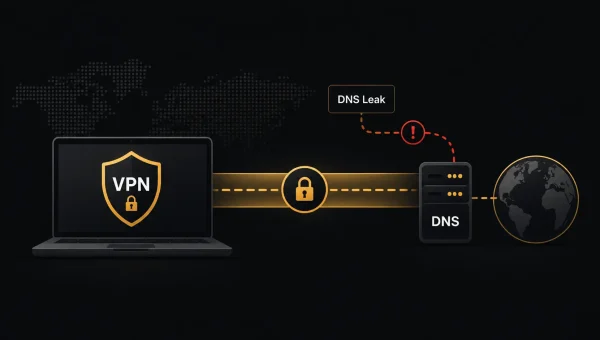
However, DNS leaks, disconnected VPN sessions and applications bypassing the VPN can expose additional information.
Can Your VPN Provider See Your Browsing History?
A VPN shifts some trust from your ISP to the VPN provider.
The VPN company may technically observe destination information and connection metadata. HTTPS continues protecting encrypted website content.
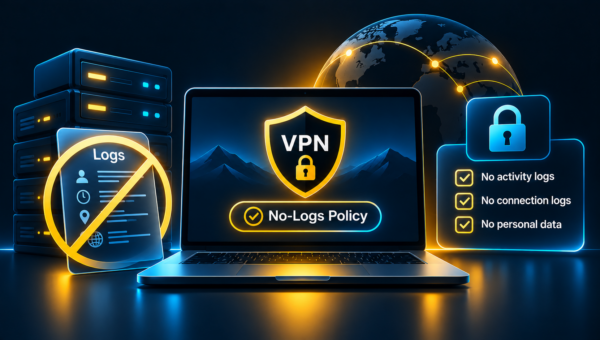
A no-logs policy describes what information the provider claims not to retain. Before subscribing, review its privacy policy, independent audits and data retention practices.
Free and paid VPN services should be evaluated using the same privacy criteria.
What Happens When Your VPN Disconnects?
If your VPN disconnects, your device may return to its regular internet connection.
A kill switch helps prevent this by blocking traffic when the VPN connection fails. Availability and effectiveness depend on the application and operating system.
DNS leaks can also reveal domain requests outside the VPN tunnel. Split tunneling intentionally allows selected applications to bypass VPN protection.
Review these settings to understand which traffic remains encrypted.
What to Check Before Choosing a VPN
When comparing VPN services in 2026, focus on privacy features rather than promotional claims.
Important factors include:
- Transparent privacy and logging policies
- Independent security audits
- Reliable kill switch functionality
- DNS and IPv6 leak protection
- Device compatibility
- Connection stability and server availability
You can check your apparent IP address and DNS resolver while connected to verify basic VPN functionality.
Remember that websites can still recognize you through account logins, cookies and other tracking methods.
Final Verdict: Does a VPN Hide Activity From Your ISP?
A properly functioning VPN hides much of your browsing destination information from your internet provider.
However, your ISP can still identify your VPN connection and observe traffic metadata.
Choose a trustworthy provider, check for connection leaks and understand the limitations of VPN privacy.
FAQ
Can my ISP see websites I visit with a VPN?
Normally, your ISP cannot directly see websites accessed through a properly configured VPN tunnel.
Can my ISP tell that I use a VPN?
Yes. Your ISP can often identify connections to VPN servers and recognize certain traffic patterns.
Does a VPN completely hide browsing history?
No. Websites, browser cookies and logged-in accounts may still record your activity.
Can my ISP see downloads through a VPN?
Your ISP can observe transferred data volumes but generally cannot inspect downloads passing through the encrypted tunnel.
Does incognito mode hide activity from my ISP?
No. Incognito mode limits locally stored browsing data but does not encrypt your internet traffic.