How to Set Up a VPN on an Android Phone
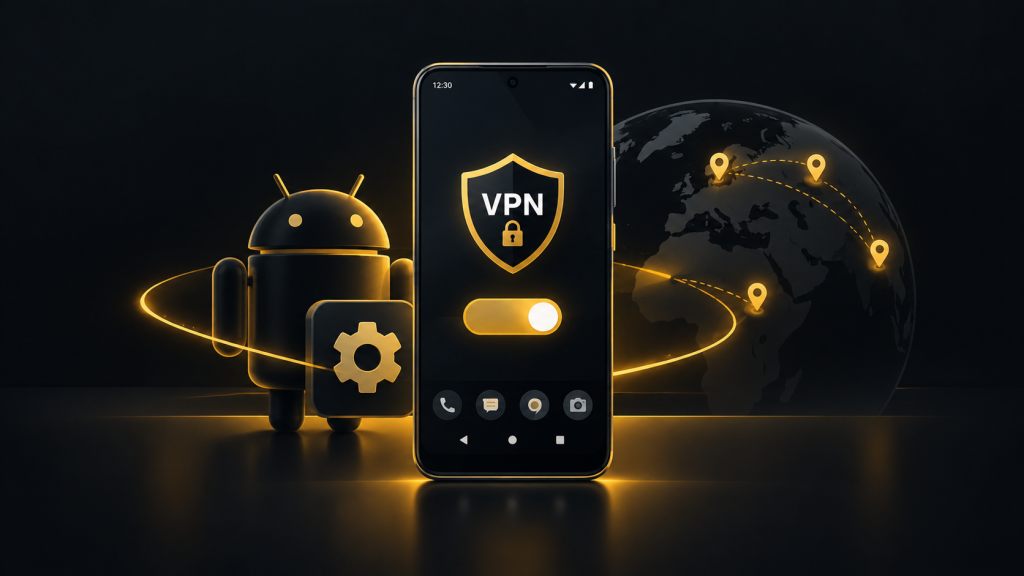
You connect your Android phone to public Wi-Fi at an airport or café and want more privacy while browsing. A VPN can encrypt your connection and reduce what the local network can see. Learning how to set up a VPN on an Android phone takes only a few minutes, especially when using a dedicated app.
How Does a VPN Work on Android?
A VPN creates an encrypted tunnel between your Android device and a remote server. Your internet traffic passes through that server before reaching websites and online services.
This helps protect your traffic from inspection on public Wi-Fi networks and replaces your visible IP address with the VPN server’s address.
However, a VPN does not provide complete anonymity. Websites can still identify you through account logins, cookies and other tracking methods.
Android supports VPN connections through dedicated applications and built-in network settings.
How to Set Up a VPN on Android Using an App
Installing a VPN application is usually the simplest option. Providers such as NordVPN, ExpressVPN, Surfshark and Proton VPN offer Android apps.
Follow these steps:
- Choose a reputable VPN provider with a clear privacy policy.
- Download its official application from Google Play.
- Open the app and sign in to your account.
- Select a server location or use automatic connection.
- Tap Connect and approve Android’s VPN connection request.
- Wait until the application confirms the connection.
Once connected, a VPN indicator may appear in your phone’s status bar.
Most applications allow you to change servers, disconnect or adjust security settings without opening Android’s network configuration.
How to Configure a VPN Manually
Android also supports manual VPN configuration, although available options depend on your device and Android version.
Open Settings and navigate to Network & Internet, then VPN. On some Samsung devices, the option appears under Connections and More Connection Settings.
Select Add VPN or the equivalent option.
Enter the server address, VPN type and authentication details supplied by your provider or workplace.
Save the configuration and connect using your credentials.
Manual setup is useful for certain workplace connections. However, many commercial VPN services use protocols that require their own applications.
Important VPN Settings for Android
After connecting, review the available security features.
Always-On VPN
Android supports an Always-on VPN option for compatible configurations. It can automatically maintain or restore your VPN connection.
Some devices also offer a setting that blocks network connections without the VPN.
This reduces the risk of traffic leaving your device outside the encrypted tunnel.
Kill Switch
A kill switch helps prevent unprotected traffic if the VPN disconnects unexpectedly.
On Android, this protection may rely on system-level settings rather than a separate feature inside the VPN app.
Split Tunneling
Split tunneling allows selected applications to bypass the VPN connection.
This can be useful for banking apps or local services that have problems with VPN addresses.
Availability varies between providers and Android versions.
VPN Protocols
WireGuard is commonly used for efficient connections and strong encryption. OpenVPN is another established option.
Many VPN apps automatically select a suitable protocol, so beginners rarely need to change this setting.
How to Check If Your VPN Is Working
After connecting, open a browser and check your public IP address using an IP lookup service.
The displayed location should generally correspond to your selected VPN server rather than your normal connection.
You can also perform a DNS leak test to check whether DNS requests are being routed outside the VPN.
If the connection fails, try another server, switch networks or restart the application.
Should You Use a VPN on Android?
A VPN is useful when connecting to unfamiliar Wi-Fi networks, accessing authorized remote services or reducing exposure of your IP address.
Choose a provider with transparent privacy practices, reliable Android support and appropriate security features.
For most users, installing the official app is easier than configuring a VPN manually.
FAQ
Does Android have a built-in VPN?
Android supports VPN connections through system settings, but you generally need a VPN service or server.
Can you use a free VPN on Android?
Yes. Choose a reputable provider and review its privacy policy, limitations and data practices.
Does a VPN slow down Android internet speeds?
It can add latency or reduce speeds because traffic passes through an additional server.
Should you leave your Android VPN connected?
Keeping it connected can provide consistent protection, particularly on unfamiliar networks.
Why does my VPN keep disconnecting?
Possible causes include unstable internet access, battery restrictions, server problems or application settings.