Netflix Not Working With a VPN: Causes and Solutions
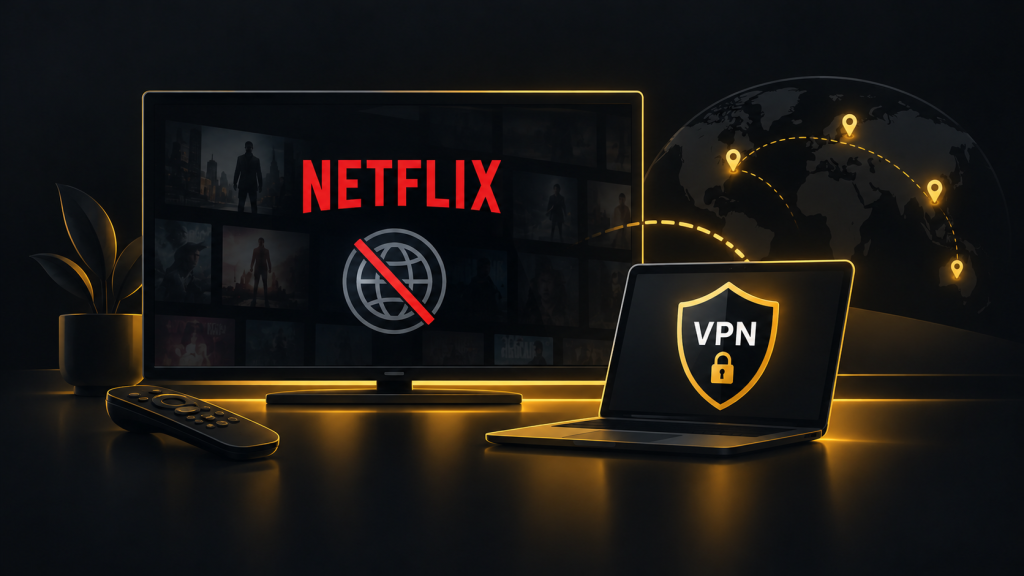
You connect to a VPN, open Netflix and discover that your favorite show is unavailable. Sometimes Netflix displays a proxy error or refuses to play anything. If Netflix is not working with a VPN, the problem may involve a blocked IP address, location detection or a connection issue. Several simple checks can help identify the cause.
Why Netflix Blocks Some VPN Connections
Netflix licenses movies and television shows for different regions. As a result, its content library varies depending on your location.
VPN services route your internet traffic through remote servers, changing the public IP address visible to Netflix.
When multiple users connect through the same VPN server, Netflix may identify its IP address as belonging to a VPN provider.
Netflix can then restrict playback or display an error message.
However, a VPN connection does not always cause problems. Some users can still watch content available in their current region while connected.
Common Reasons Netflix Is Not Working With a VPN
Several technical issues can interfere with streaming.
Your VPN Server Is Blocked
Netflix may recognize the IP address assigned to your VPN server.
This is particularly common with shared IP addresses used by many subscribers.
Changing servers may help, although another server is not guaranteed to work.
Your Browser Stores Location Information
Cookies and cached website data can sometimes contribute to location inconsistencies.
For example, Netflix may retain session information associated with a previous connection.
Clearing relevant browser data and signing in again may resolve certain playback issues.
DNS or Location Information Conflicts
A DNS leak occurs when DNS requests travel outside the VPN tunnel.
This can expose information about your normal network connection.
On mobile devices, location services and application settings may also affect how services determine your location.
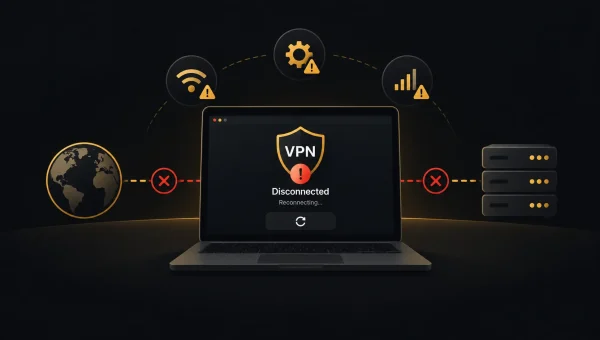
Your VPN Connection Is Unstable
Slow servers, packet loss or frequent disconnections can interrupt streaming.
Not every Netflix playback error is caused by VPN detection. Your internet connection or the Netflix application may be responsible.
How to Fix Netflix VPN Problems
Start with simple troubleshooting before changing advanced settings.
- Change VPN servers. Connect to another server in your intended location and reopen Netflix.
- Restart Netflix. Close the application completely or refresh your browser session.
- Clear browser data. Remove relevant Netflix cookies and cached information, then sign in again.
- Update your VPN application. Install available updates that may improve connection reliability.
- Try another VPN protocol. WireGuard or OpenVPN may perform differently depending on your network.
- Check your internet connection. Disconnect the VPN temporarily to determine whether Netflix works normally.
- Contact VPN support. Ask whether the provider currently supports Netflix on your device and location.
These steps may resolve technical problems, but they cannot guarantee access to a particular regional library.
Can Free VPNs Work With Netflix?
Free VPN services often have fewer server locations, limited bandwidth or congested connections.
Their shared IP addresses may also be easier for streaming platforms to identify.
Some reputable providers offer free plans suitable for general browsing, but streaming support may be limited.
Paid VPNs typically provide more server choices and additional connection features. However, paying for a subscription does not guarantee Netflix compatibility.
Before purchasing, review the provider’s refund policy and current streaming limitations.
What to Look for in a VPN for Netflix
If streaming is important, prioritize connection stability and suitable server locations.
Providers such as NordVPN, ExpressVPN and Surfshark offer extensive VPN services, but actual Netflix compatibility can change.
Check whether the provider supports your preferred devices, including Android phones, iPhones, smart TVs and streaming boxes.
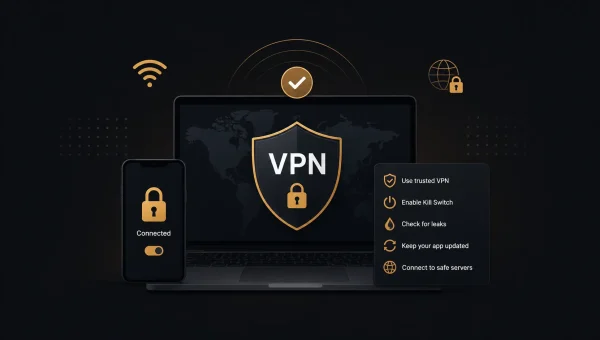
A kill switch can prevent traffic from leaving the VPN tunnel after an unexpected disconnection, although it does not resolve Netflix restrictions.
Also consider speed, customer support and subscription terms.
Is Using a VPN With Netflix Allowed?
VPN technology is legal in many countries, but Netflix applies regional licensing rules.
Using a VPN may limit the content available through your account. Netflix’s terms also govern how its service may be accessed.
If your priority is reliable playback, connecting without a VPN is often the simplest option.
FAQ
Why does Netflix detect my VPN?
Netflix may recognize IP addresses associated with VPN servers or identify conflicting connection information.
Can changing VPN servers fix Netflix?
Sometimes. Another server may work, but compatibility is not guaranteed.
Does Netflix block all VPN services?
No. Detection varies by provider, server and connection.
Will clearing cookies help Netflix work?
It may resolve browser session or location inconsistencies, but not a blocked VPN IP address.
Which VPN works best with Netflix?
There is no permanently reliable option. Compare current compatibility, speed, device support and refund terms.